
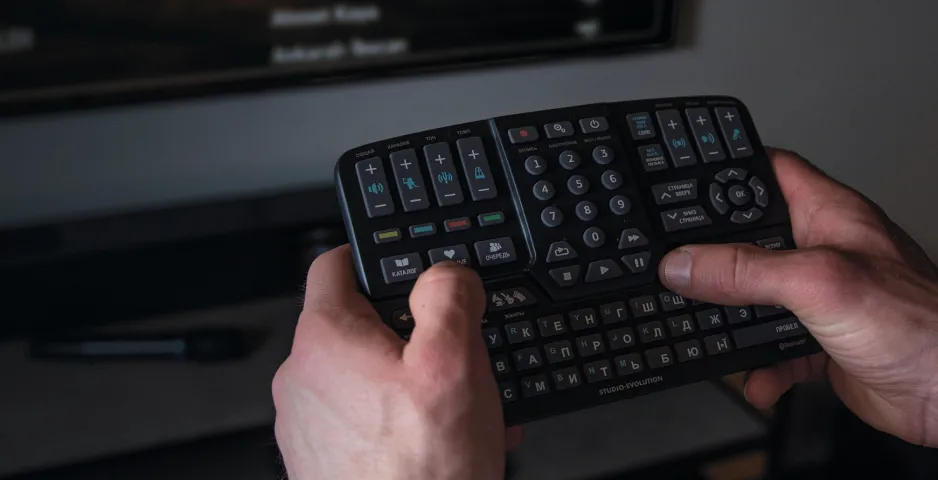
The remote control for the EVOBOX (Plus/Premium) karaoke system may not work for several reasons:
- the batteries are dead;
- the remote control has disconnected from the karaoke system;
- the remote control or karaoke system is broken.
To diagnose the cause and fix it, follow these steps in the order listed.
First, try replacing the batteries with new ones. If the situation does not change, proceed to the next step.
Let’s perform a re-pairing, meaning synchronizing the remote control with the karaoke system. To do this, you need to perform a few simple steps:
1. Turn on the karaoke system and wait for the catalog screen to appear.
* Turning on and loading the EVOBOX (Plus/Premium) karaoke system takes up to 60 seconds.
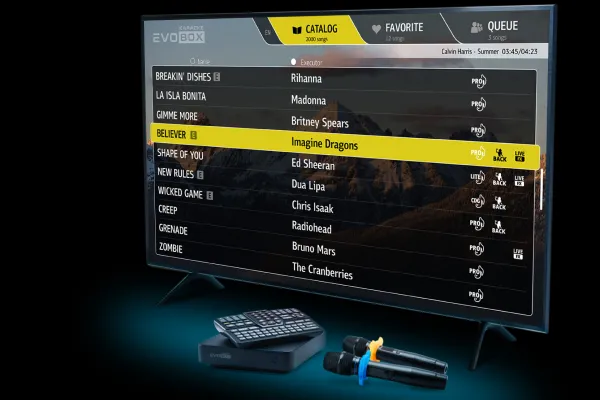
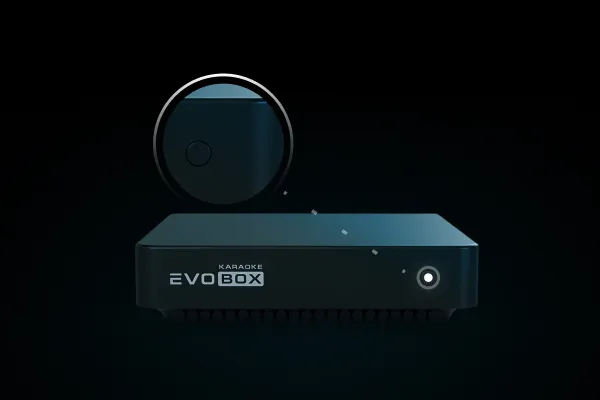
2. Press and hold the EVOBOX (Plus/Premium) power button until instructions appear on the TV screen.
3. Press and hold the 0 and OK buttons on the remote control simultaneously, as shown on the screen (to resync the Bluetooth remote with the karaoke system).
Be sure to keep the remote control as close to the karaoke system as possible.
IMPORTANT!
If it doesn’t work the first time, reboot the karaoke system (turn it off and on) and try pressing and holding the buttons one more time.
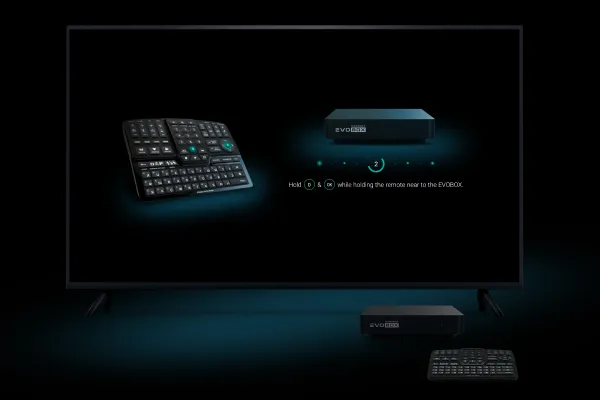
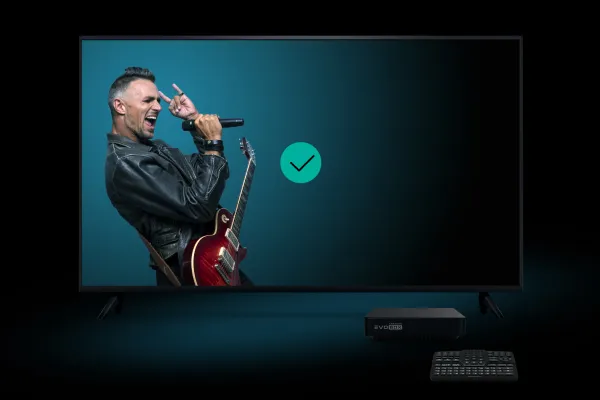
4. See this screen?
You’ve done it.
Enjoy singing!
A full replacement for the remote control on your tablet
If you have previously used EvoControl, you can continue to control the karaoke system from your tablet as usual. The application interface allows you to fully duplicate the functions of the physical remote control, retaining all system control capabilities.
To activate this mode, simply click on the appropriate icon in the EvoControl menu. After that, a virtual remote control will appear on the tablet screen, which you can use to quickly and conveniently set up karaoke.
If you are unable to synchronize the remote control, we recommend resetting the karaoke system to factory settings. When you reset to factory settings, all downloaded songs and recordings of your performances are saved; the reset only affects the software. After resetting the system, the remote control pairing interface will appear automatically during the first start-up.
If the situation does not change after resetting to the factory settings and resynchronizing the remote control, we recommend contacting an authorized Studio Evolution service center.