
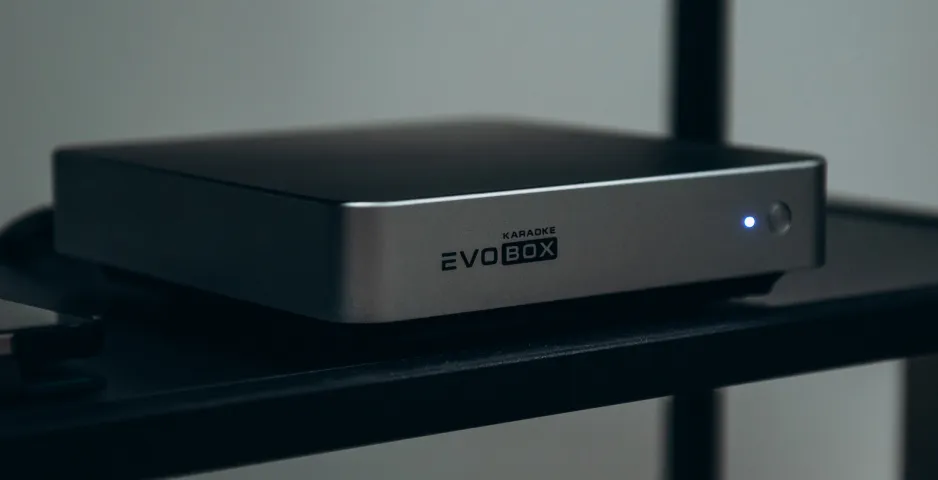
Resetting the settings is an action that returns the karaoke system parameters to their original values.
To do this, you will need a standard USB flash drive.
IMPORTANT TO KNOW BEFORE YOU START
This action does not affect your media files, purchases, or personal configurations.
The following items will remain unchanged on the karaoke system:
- all purchased songs and active subscriptions (for EVOBOX Club);
- recordings of your performances;
- background music that you have downloaded to the system;
- your personal photo and video screensavers;
- songs from the “Favorites” list;
- individual settings (pitch, tempo) for your favorite songs;
- microphone level and effect settings;
- other individual settings, such as title placement, etc.
What data will be deleted?
After confirming the reset, the Wi-Fi connection settings, interface language, and time zone will be deleted.
Additionally, you will need to re-pair Bluetooth with the karaoke system. Instructions for pairing the remote control will appear on your TV when you turn on the system for the first time after the reset.
Step-by-step guide:
1. Get your flash drive ready.
Format the flash drive on your computer to the FAT32 file system.
2. Create a service marker
In the root directory (main folder) of the empty flash drive, create a new folder and name it evobox.reset (lowercase letters only).
3. Get your system ready
Turn off the karaoke system and completely unplug the power cord from the outlet or the device itself.
4. Start the reset
Insert the prepared flash drive into any USB port on the system and only then connect the power.
5. Wait for it to finish
The system will automatically start in recovery mode. You just need to wait for the process to finish without turning off the device.
6. Reconfigure the system
After the automatic reboot, use the “Setup Wizard” to pair the remote control with the karaoke system, connect to Wi-Fi, and set the current time zone.