
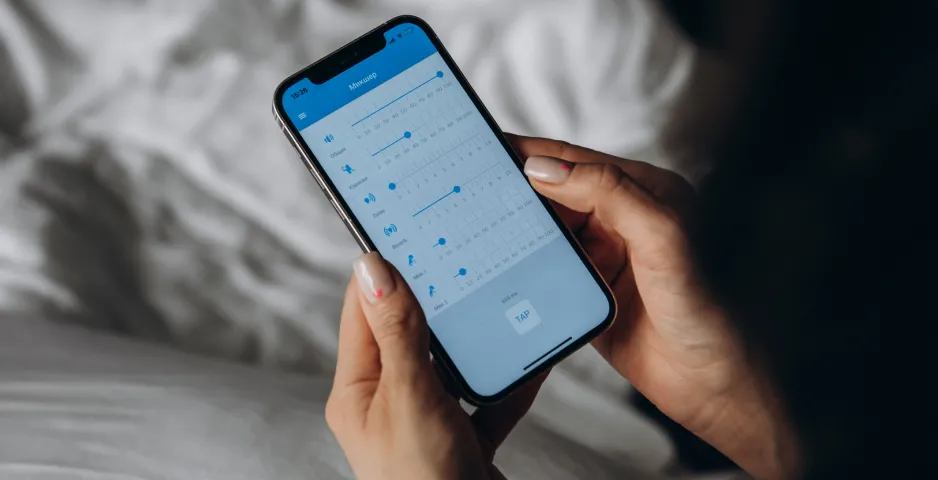
To control the EVOBOX (Plus/Premium) karaoke system from your smartphone, use our free EvoNet app.
After installing the app on your device, you need to connect to the karaoke system. There are two ways to do this.
Option 1. The karaoke system is connected to the Internet.
- Make sure that the karaoke system and your smartphone are connected to the same Wi-Fi network.
- Open the app on your smartphone to search for the karaoke system.
- If the karaoke system is detected, check the box and click “Connect” to synchronize the karaoke catalog of the system and the app.
Option 2. The karaoke system is NOT connected to the Internet.
- Make your karaoke system an “Access Point”.
- Connect your smartphone to Wi-Fi (from the karaoke system) and open the app.
- Connect to the karaoke system and wait for the karaoke catalog of the system and the app to synchronize.