
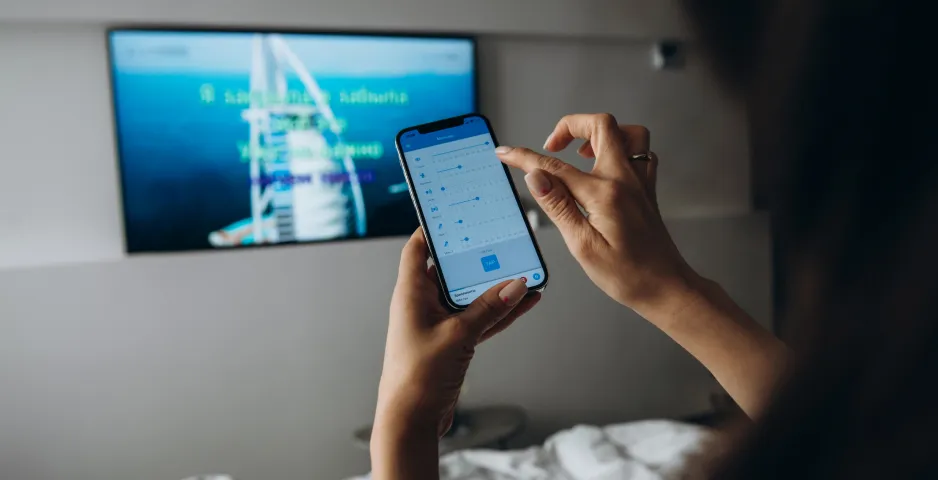
Yes, you can, thanks to the “Access point” option.
Your karaoke system can create a Wi-Fi network to which you can connect your gadget to synchronize with the system and control it.
How to use your karaoke system as an “Access point”?
- Go to the karaoke system settings (using the remote control).
- Select “Network”.
- Then select Wi-Fi and type: “Access Point”.
- Set the “Network Name” and “Password*”.
* Don’t make up a long password, as you will need to enter it on your gadget to connect. In this case, you can ignore security, as it makes no sense. - Click on “Connect”.
Congratulations, your karaoke system is now an “Access point”.
What’s next?
- Connect to the Wi-Fi network from your smartphone/tablet.
- Find the “Network Name” you set above, enter the “Password,” and connect.
- Open the karaoke system control app; your karaoke system should be displayed in it.
- Connect to the karaoke system.
- Wait a few moments for the karaoke catalog of the system and the app to synchronize.
Now you can fully control the karaoke system from your gadget!