
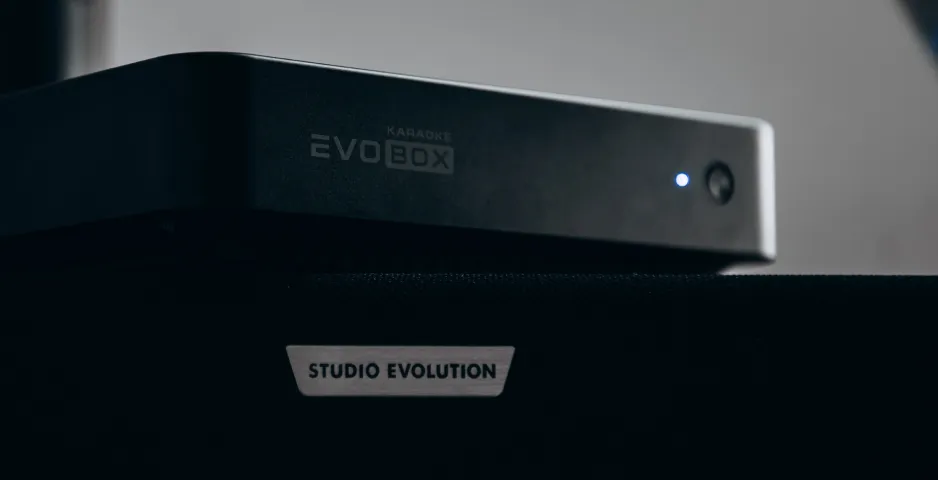
The automatic startup is caused by the HDMI CEC (HDMI Consumer Electronics Control) feature. This standard enables interaction between devices connected via HDMI and allows them to be controlled with a single remote control. This function automatically launches EVOBOX when the TV is turned on.
To disable this feature, follow these steps in your TV settings:
- Go to Settings → Display (or Screen).
- Find the HDMI CEC parameter.
- Turn it off.
- Restart the EVOBOX system.
After the restart, the device will stop launching automatically with the TV.