
- Go to Settings → General (or Main).
- Find the “Scan catalog on next boot” parameter and set it to YES.
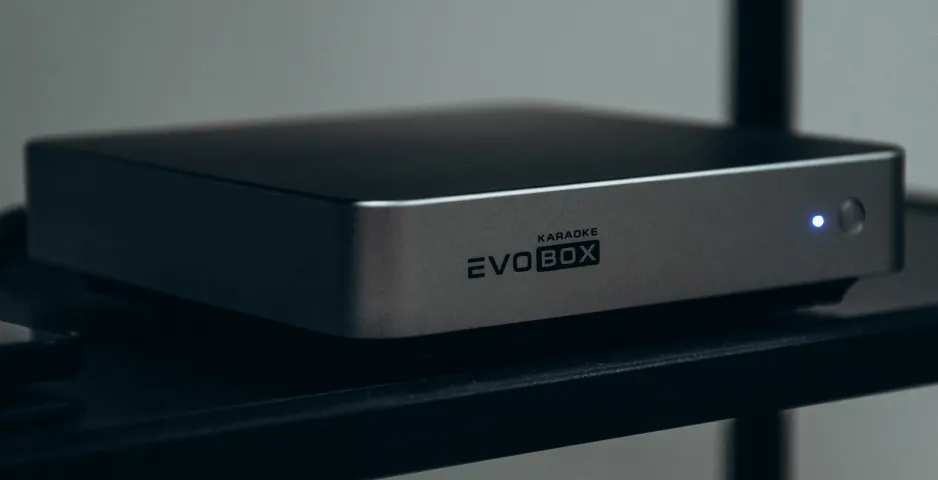
- Restart EVOBOX and wait for the catalog scan to complete.
- Ensure that the device is connected to the internet.
Verify that the song catalog is now displayed correctly.
If the catalog still does not appear after completing all steps, contact Studio Evolution support.